
Artisan Creative
A Creative Minecraft ServerBuilt for Builders
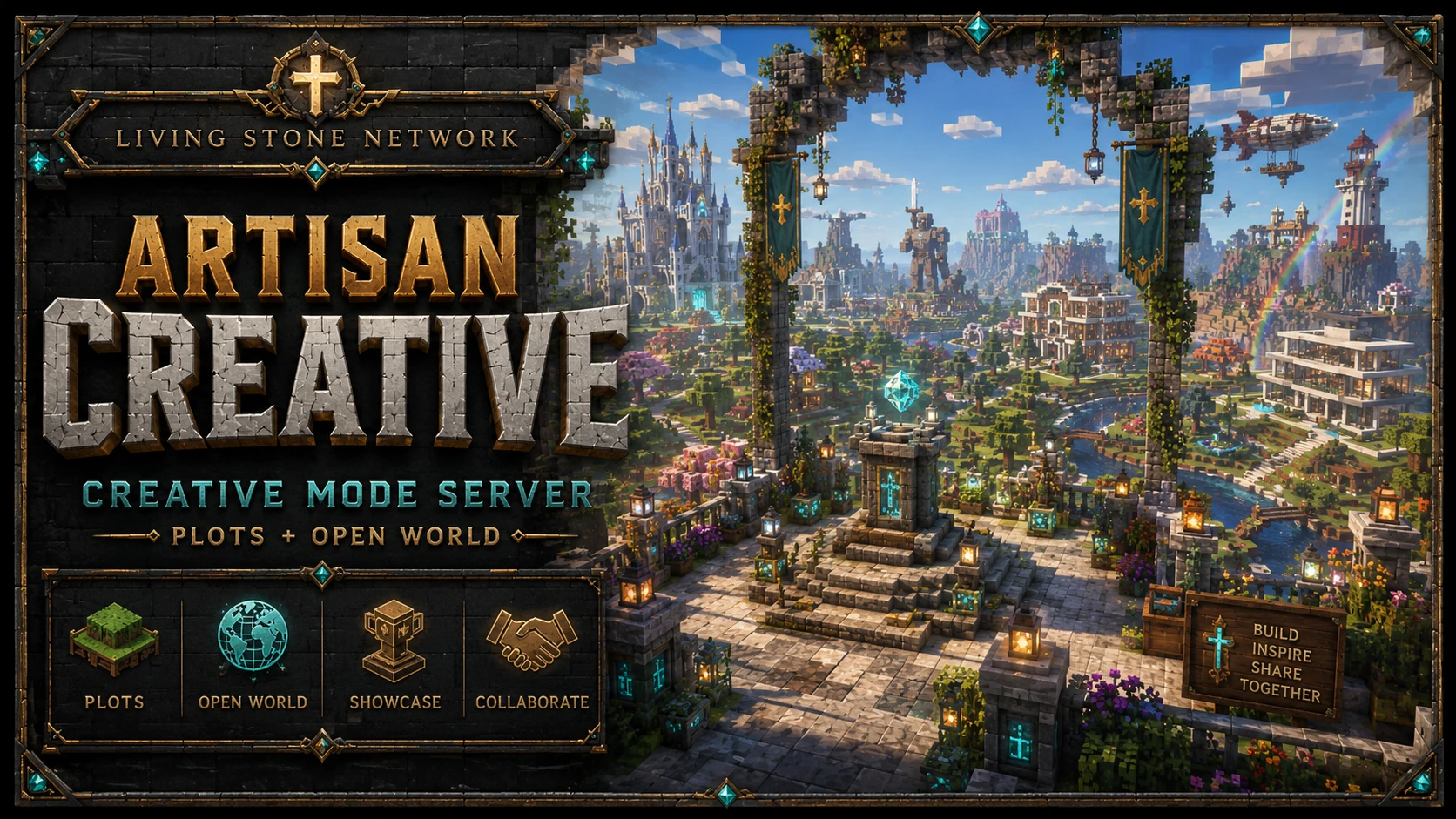
Artisan Creative gives you a plot of your own and a shared open world for the projects too big to keep to yourself. Java and Bedrock builders work in the same space, with no resource gathering and no reason to hold back on the idea you have been sketching.
Two ways to build
Artisan Creative runs in creative mode with two distinct environments. Which one you use depends on whether you want a space that is yours alone or a canvas shared with everyone else on the network.
What builders use it for
The most common use is rehearsal. Before spending three weekends and a double chest of quartz on a survival build, you work out the footprint here, try two rooflines, swap the palette twice, and only then commit to it on Foundation SMP.
The second use is simply building for its own sake. Not everyone wants to mine for materials, and creative mode is the whole hobby for a lot of players. A plot, an empty flat, and an idea is enough.
The third is collaboration. Build competitions and community events run on the network regularly, and the open world gives groups somewhere to work together on something larger than any one person would finish alone.
The same standards as everywhere else
Creative mode does not come with a separate rulebook. Builds, signs, and decoration are held to the same community covenant that governs the rest of Living Stone Network, which means clean and appropriate content, respect for other people's work, and no using the extra freedom to make a point at someone else's expense.
Getting in
Artisan Creative sits on the Living Stone Network alongside the survival worlds, so there is one whitelist and one community for all of it. Join the Discord, connect, and send the code the game gives you to the Discord bot. Java players use play.livingstonemc.com, and Bedrock players use br.livingstonemc.com on port 50101. From Cornerstone Hall you can reach the network servers from the portals in the hub.
Both editions build in the same place, so a Bedrock player on a tablet and a Java player on a desktop can work on opposite corners of the same project. The crossplay page covers how that works across the rest of the network.
Artisan Creative Questions
- Does Artisan Creative use plots?
- Yes. Artisan Creative has dedicated player plots for personal projects, so you have a space of your own that nobody else builds on.
- Is there a freebuild world as well?
- Yes. Alongside the plots there is a shared Creative Open World for large-scale collaborative builds, which is where community projects and bigger group efforts happen.
- What kinds of projects are allowed?
- Anything that fits the community covenant. Builds, signs, and decoration need to stay clean and appropriate, the same standard that applies everywhere else on the network. Beyond that, the point of a creative world is that you can try things.
- Can Bedrock players build there?
- Yes. Artisan Creative is open to Java and Bedrock players in the same worlds. Java players connect to play.livingstonemc.com and Bedrock players connect to br.livingstonemc.com on port 50101.
- Do I need to be whitelisted?
- Yes. Access to the network runs through Discord. Join the Discord, connect to the server, and send the code the game gives you to the Discord bot to be whitelisted automatically.
- Can I use it to plan a survival build?
- That is one of the most common uses. Test a layout, work out a roofline, or check a palette in creative before committing the resources on Foundation SMP.
Bring the build you keep sketching
Join the Discord, get whitelisted, and claim a plot. The open world is there when the idea outgrows it.